
FitAI is a SaaS platform offering AI APIs to predict diseases, suggest remedies, and match patients with doctors. Admins can add hospitals, manage doctors, and track API usage.
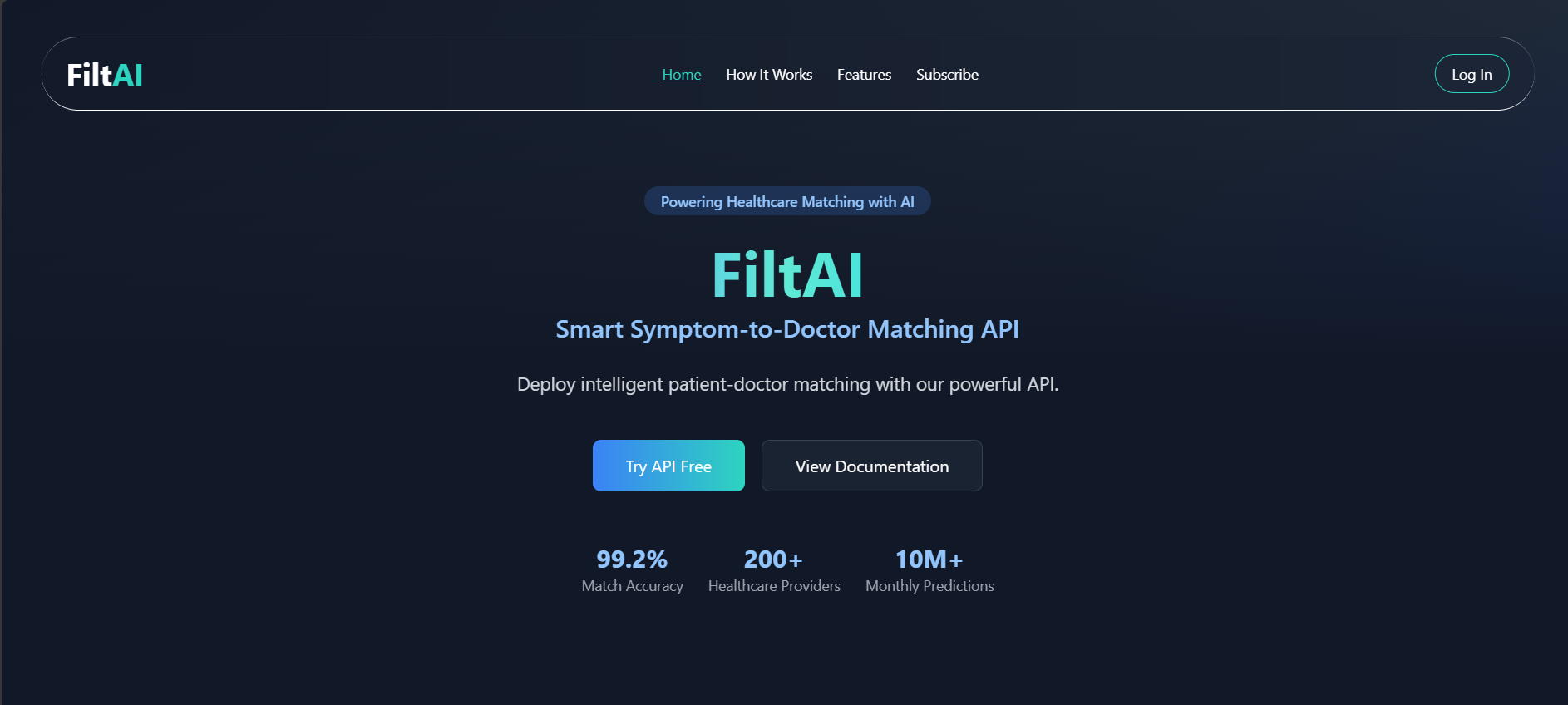
FiltAI is a SaaS platform offering AI-powered APIs to enhance medical service delivery and doctor-patient matchmaking. Admins can:
Add hospitals and register doctors
Generate secure API keys
Use APIs to fetch predictions, recommend doctors, and suggest remedies
Track API usage, performance, and subscriptions
The healthcare system lacks real-time, symptom-based solutions for patients and hospitals. Finding the right doctor or diagnosis often involves delays and manual effort, which could be optimized with AI-powered APIs.
FitAI offers:
A fast, secure backend for managing hospitals and doctors
AI-powered API for disease prediction and doctor matching
Multi-language support for symptoms
API key system for integration into any frontend or mobile platform
Subscription handling and analytics for admins
Here's how an admin can use the FitAI platform step-by-step:
🔐 Login to the Platform
Navigate to the FitAI dashboard.
Log in using your admin credentials.
🔑 Generate API Key
Go to the API Settings section.
Click Generate API Key – this is required before any API calls or subscriptions.
🏥 Add Hospitals
Go to the Hospitals section.
Add a new hospital by providing name, location, head doctor, and contact.
👨⚕️ Add Doctors under Hospitals
Select a hospital.
Add doctors by providing specialization, availability, contact info, etc.
📡 Use API Endpoint
Now that hospitals and doctors are added, use the AI API:
GET /api/service/AgentResponse?hospitalId=<HOSPITAL_ID>
Pass the API key in the header:
x-api-key: <YOUR_API_KEY>
🏗️ Integrate Into Frontend
You can now plug this API into any hospital’s website or frontend.
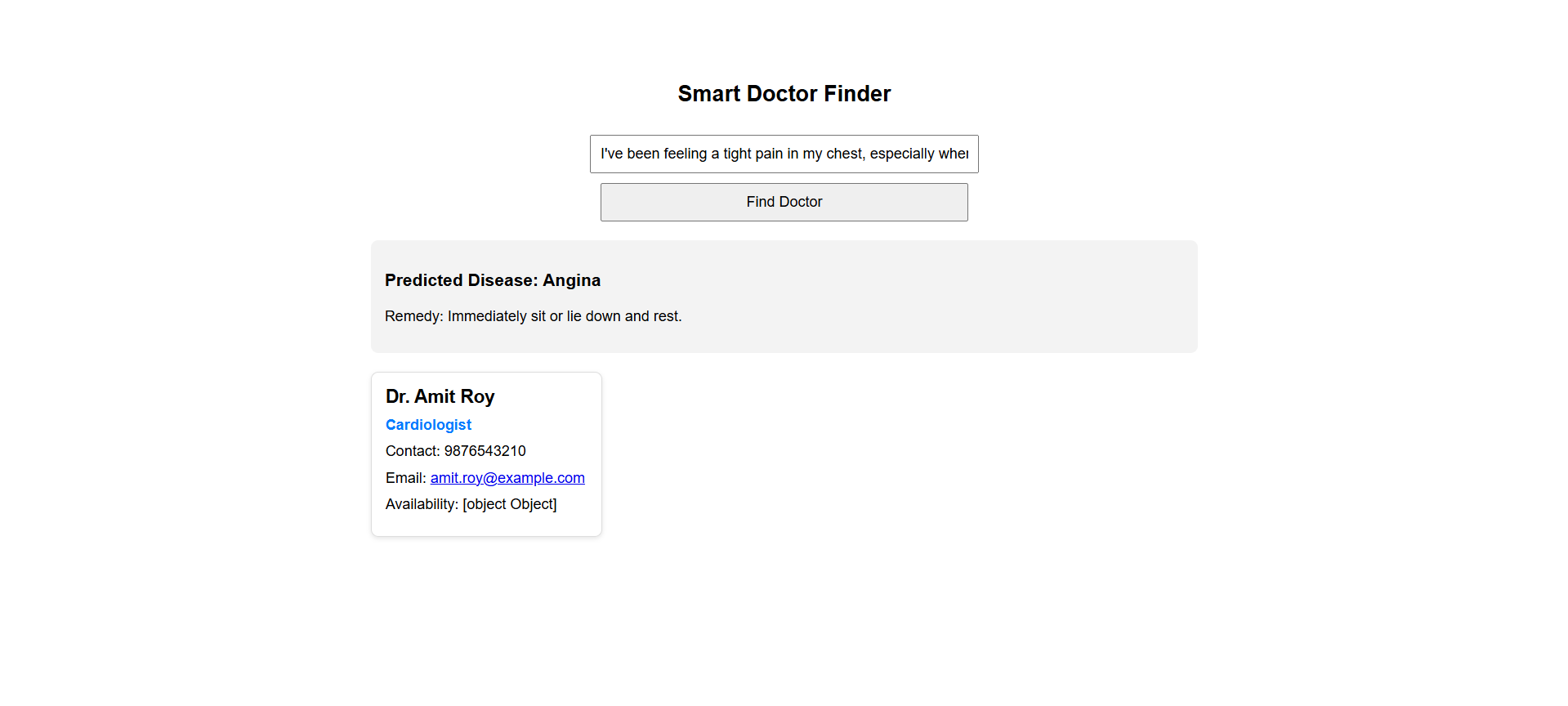
Patients enter symptoms → AI suggests doctor + remedy.
example usecase
💳 Subscribe to Premium
Head over to the Subscription section on the dashboard.
You must generate an API key before subscribing.
Choose a plan and complete payment via Cashfree.
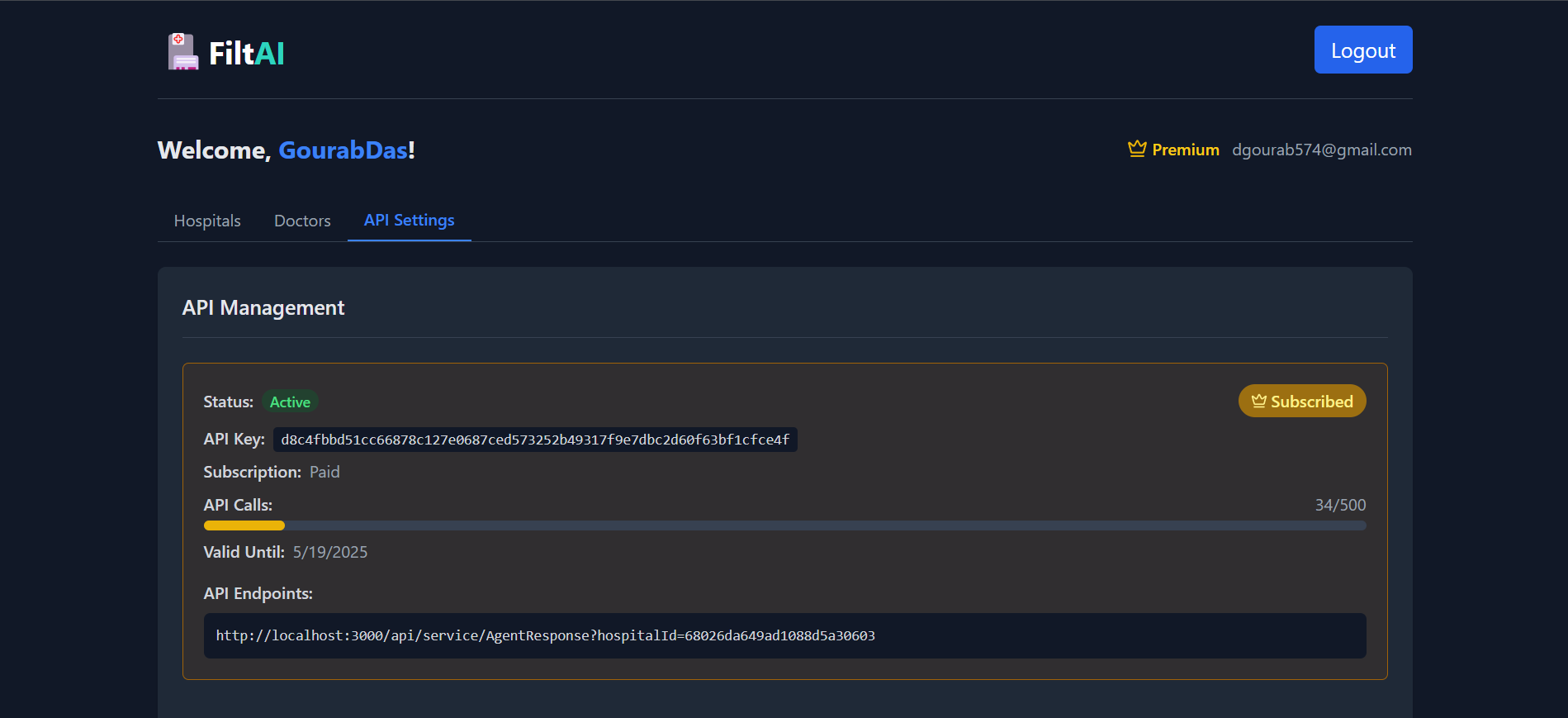
📊 Monitor Usage
View how many API calls have been made.
Track remaining calls, renew subscriptions, and upgrade plans.